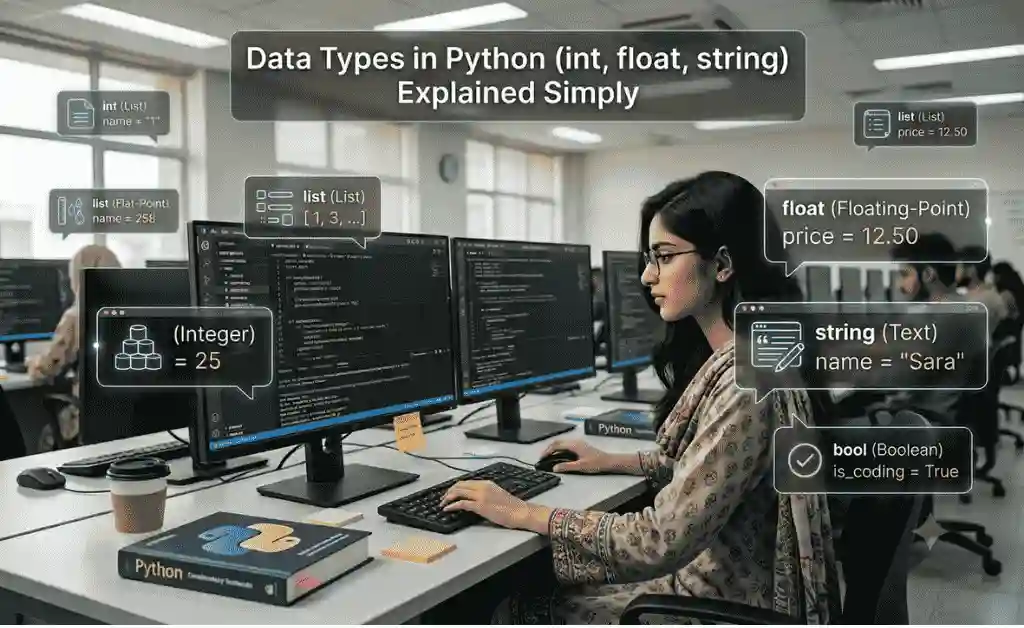
Learn Data Types in Python with simple explanations, practical examples, and real-life use cases. Understand int, float, string, and how Python stores different kinds of information.
Table of Contents
Introduction: Why Data Types Matter in Python
In the previous lesson, we learned that variables are used to store information.
But here’s an important question:
How does Python know whether the stored value is:
- A number?
- A decimal value?
- A piece of text?
- True or False?
The answer is:
👉 Data Types
Every value stored inside Python belongs to a specific data type.
For example:
name = "Ali"
Python understands that “Ali” is text.
age = 16
Python understands that 16 is a number.
height = 5.8
Python understands that 5.8 is a decimal number.
This ability allows Python to perform calculations, comparisons, and operations correctly.
Without data types, computers would become confused and unable to process information properly.
What is a Data Type?
A Data Type tells Python what kind of value is stored inside a variable.
Think of data types as labels.
For example:
| Variable | Value | Data Type |
|---|---|---|
| name | Ali | String |
| age | 16 | Integer |
| height | 5.8 | Float |
The label helps Python understand how to work with the value.
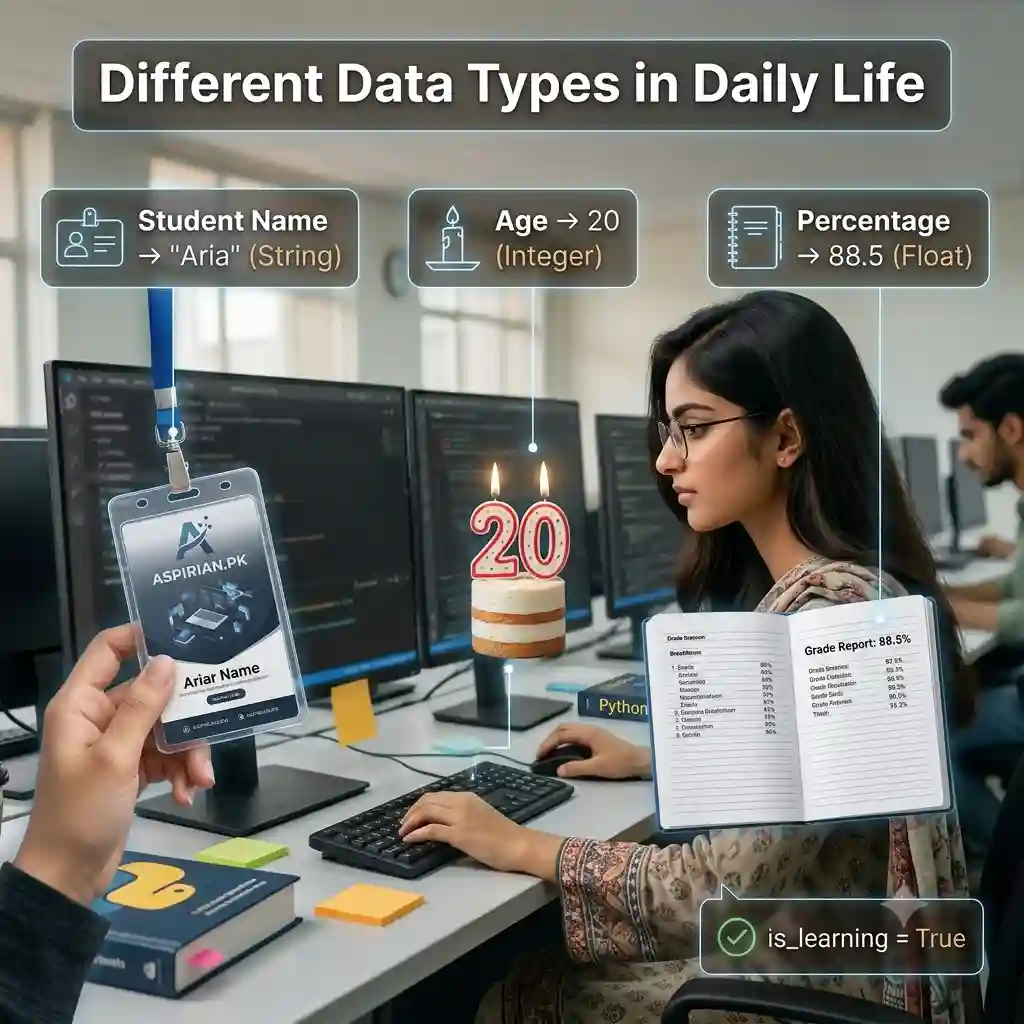
Real-Life Example: School Admission Form
Imagine a school admission form.
Student Name:
Ali
Age:
16
Percentage:
87.5
Notice that all three values are different.
Name is text.
Age is a whole number.
Percentage is a decimal number.
Python treats these values differently.
Data Type #1 – Integer (int)
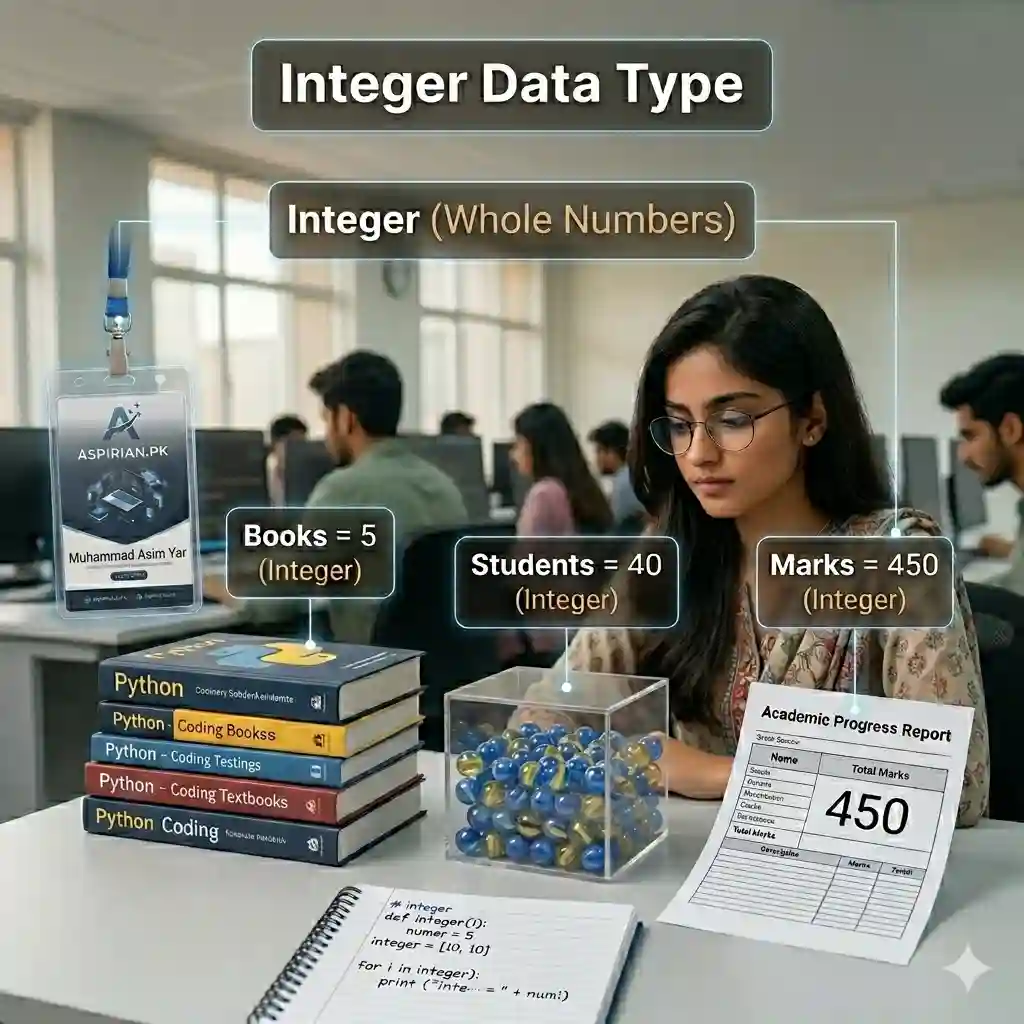
An Integer is a whole number.
Integers do not contain decimal points.
Examples:
age = 16
marks = 450
year = 2026
All of these are integers.
Real-Life Examples of Integers
- Student Age
- Roll Number
- Total Marks
- Number of Books
- Mobile Contacts Count
Example Program
marks = 450

print(marks)
Output:
450
Python identifies 450 as an Integer.
Mathematical Operations
num1 = 10
num2 = 20

print(num1 + num2)
Output:
30
Integers are heavily used in calculations.
Data Type #2 – Float
A Float is a decimal number.
Examples:
height = 5.8
percentage = 87.5
temperature = 36.7
Notice the decimal point.
That’s what makes them float values.
Real-Life Examples
- GPA
- Percentage
- Height
- Temperature
- Weight
Example Program
percentage = 87.5

print(percentage)
Output:
87.5
Why Floats Are Important
Suppose a student scores:
87.5%
A normal integer cannot store this value accurately.
Therefore Python uses float.
GPA Calculator Example
gpa = 3.85

print(gpa)
Output:
3.85
This is exactly how GPA calculators work.
Data Type #3 – String
A String is text.
Anything written inside quotation marks becomes a string.
Examples:
name = "Ali"
city = "Lahore"
country = "Pakistan"
All are strings.
Real-Life Examples
- Student Names
- School Names
- City Names
- Website Names
- Email Addresses
Example Program
name = "Ali"

print(name)
Output:
Ali
Why Quotes Matter
Correct:
name = "Ali"
Wrong:
name = Ali
Without quotes, Python thinks Ali is another variable.
String Example in Aspirian.pk
website = "Aspirian.pk"

print(website)
Output:
“`python
Aspirian.pk
How to Check Data Type Using type()
Python provides a special function:
type()
Example:
age = 16

print(type(age))
Output:
<class 'int'>
Float Example
percentage = 87.5

print(type(percentage))
Output:
<class 'float'>
String Example
name = "Ali"

print(type(name))
Output:
<class 'str'>
This is a useful skill for debugging programs.
Student Management System Example
student_name = "Ali"
age = 16
percentage = 87.5

print(student_name)
print(age)
print(percentage)
Output:
Ali
16
87.5
Notice how one program uses multiple data types together.
Banking Example
account_holder = "Ahmed"
balance = 50000
interest_rate = 12.5
String:
Ahmed
Integer:
50000
Float:
12.5
This is how real banking software stores information.
Game Development Example
player_name = "Ali"
score = 100
accuracy = 95.5
Again:
String + Integer + Float
Most modern games use thousands of variables like these.
Common Beginner Mistakes
Mistake #1
Using numbers inside quotes
age = "16"
This becomes a string.
Not an integer.
Mistake #2
Mixing text and numbers incorrectly
name = 123
This is technically allowed but logically incorrect.
Names should be stored as strings.
Mistake #3
Ignoring data types
Many beginners forget that Python treats each type differently.
Always know what kind of data you are storing.
Practice Exercises
Exercise 1
Create an Integer variable.
age = 16
Exercise 2
Create a Float variable.
gpa = 3.75
Exercise 3
Create a String variable.
name = "Ali"
Exercise 4
Print all values.
print(age)
print(gpa)
print(name)
Mini Project
Create Your Student Profile
student_name = "Ali"
class_name = "10th"
marks = 450
percentage = 81.8

print(student_name)
print(class_name)
print(marks)
print(percentage)
This mini-project uses:
- ✅ String
- ✅ Integer
- ✅ Float
All together in one program.
Internal Linking (Aspirian.pk Strategy)
👉 Previous Lesson:
Variables in Python – Easy Explanation with Daily Life Examples
👉 Next Lesson:
Taking Input from User in Python (Beginner Friendly Guide), coming soon!
External Linking (Authority Signal)
For official reference and future learning:
Python Official Documentation (for reference & learning)
Final Thoughts
Today you learned one of the most important foundations of Python programming:
- ✅ Integer (int)
- ✅ Float
- ✅ String
- ✅ Real-life examples
- ✅ Practical coding exercises
- ✅ Student projects
Remember:
Variables store data, while Data Types tell Python what kind of data is being stored.
Mastering data types will make future lessons like input handling, operators, conditions, loops, and functions much easier.
Boost Your Tech Career with TechFreshGuru
While our Free Online Tools help you with daily translation needs, the future belongs to those who build the technology behind these tools. If you are inspired by the power of Free Online Tools like our Roman Urdu to English translator, it’s time to learn how to create them yourself.
Visit TechFreshGuru: Trending Courses 2026 to enroll in professional training:
- AI Fundamentals
- Python Programming
- Online Trading
- Web Development
- Digital Marketing & SEO
- WordPress Mastery Course
Take the first step toward a successful tech career today at TechFreshGuru!
Aspirian.pk Free Online Tools
🔹 Free Online Tools on Aspirian.pk
- Percentage Calculator: Calculate your exam percentages instantly.
- CGPA Converter: Convert percentages to CGPA automatically.
- AI Content Humanizer & Rewriter: Swap specific words quickly.
- Roman Urdu to Englsih Converter: A simple translator for basic sentences.
- Essay, Letter, Application Story Generator: Write Anything in Seconds.
All these tools are built using programming logic, making them perfect real-world examples for beginners.