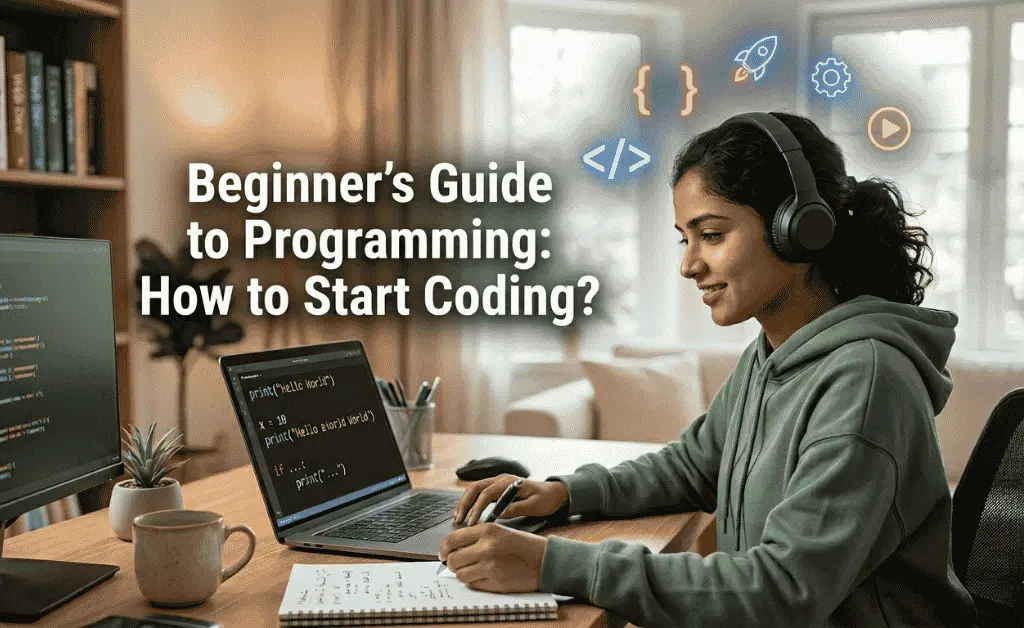
How to Start Coding in a way that is simple, practical, and effective. The good news is that learning to code has become easier than ever before. Whether you’re a student, freelancer, or someone exploring career opportunities, coding is a powerful skill that can completely change your life. Starting your journey into programming can feel overwhelming, especially when you don’t know where to begin. Every beginner wonders the same thing:
Table of Contents
In this complete guide, we will walk you through How to Start Coding, which tools you need, which programming languages are best for beginners, how to practice, how to build projects, and how to move toward a professional career.
Let’s begin your journey step-by-step.
How to Start Coding ? A Beginner-Friendly Explanation
Before learning How to Start Coding, you must understand what coding really is.
Coding simply means telling the computer what to do. Computers don’t understand human language. They understand programming languages like Python, JavaScript, C++, and others. A programmer writes instructions using these languages, and the computer executes them.
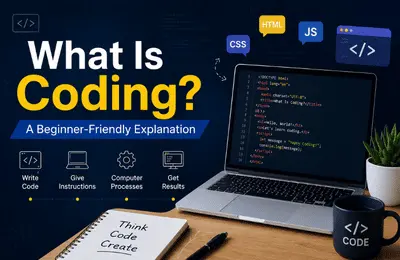
Coding helps you:
- Build websites
- Create apps
- Develop software
- Automate tasks
- Work with AI tools
- Analyze data
- Build games
When you understand How to Start Coding, you are able to create solutions, automate your work, and even build digital businesses.
Why Learn Coding in 2026?
Learning How to Start Coding today is more powerful than ever because:
✔ AI tools make learning easier
ChatGPT, GitHub Copilot, and online guides help beginners progress faster than before.
✔ High demand and high income
Programmers earn globally competitive salaries—even as freelancers.
✔ Remote job opportunities
You can earn from home, work for companies abroad, or build your own digital products.
✔ Coding boosts creative thinking
Programming improves problem-solving and logic-building skills.
✔ Future-proof career
Industries like AI, data science, automation, and web development are growing rapidly.
How to Start Coding (Step-by-Step Beginner Roadmap)
Here is the complete roadmap for beginners to understand How to Start Coding effectively.
Step 1: Understand the Basics of Programming
Before jumping into any specific language, learn these fundamental concepts because they appear everywhere in coding:
- What is a variable?
- What is a data type?
- What are conditions (if-else)?
- What are loops (for / while)?
- What are functions?
- What is an error and how to fix it?
If you understand these basics, you can learn any programming language.
Step 2: Choose the Right Programming Language
One of the biggest questions in How to Start Coding is: Which language should I start with?
Here are beginner-friendly choices:
Python
Best for complete beginners.
Used for: AI, automation, websites, data science.
JavaScript
Best for web development.
Used for: interactive websites, mobile apps, backend.
HTML & CSS
Not programming languages, but essential for website building.
C++ or Java
Good for students preparing for CS degrees.
Recommendation:
Start with Python if you want easy learning.
Start with JavaScript if you want to build websites.
Focus keyword naturally used—but not overstuffed.
Step 3: Set Up Your Coding Environment
To learn How to Start Coding, set up a simple environment:
➤ Install a Code Editor
Use Visual Studio Code (VS Code).
➤ Install the Beginner Tools
Python interpreter (for Python)
Node.js (for JavaScript)
Browser DevTools
➤ Create Your First File
Start with simple exercises like printing your name.
Step 4: Learn Through Simple Practice
Start by writing beginner-level programs:
✔ Basic programs:
- Print text
- Add two numbers
- Make a calculator
- Create a to-do list
- Build a simple webpage
Practicing these programs daily will help you understand How to Start Coding with real experience.
Step 5: Build Mini Projects (Very Important)
Once basics are clear, build small projects like:
- Student management system
- Weather app
- Digital clock
- Portfolio website
- Quiz game
- Notes-taking app
Projects help you understand How to Start Coding in a practical way.
Step 6: Learn Debugging (Fix Your Errors)
Every programmer faces errors. Learning how to fix them is part of the journey.
When an error appears:
- Read the message carefully
- Search the error online
- Debug step-by-step
- Use AI tools to understand solutions
This is how professionals code.
Step 7: Use Online Platforms to Practice Coding
Here are some platforms where you can master How to Start Coding:
These platforms teach coding through challenges, practice tasks, and real-world projects.
Step 8: Learn Git & GitHub
If you want a professional career, GitHub is essential.
You can:
- Save your code
- Share projects
- Show your work to employers
- Collaborate with others
Understanding GitHub is a major part of How to Start Coding professionally.
Step 9: Choose a Career Path
Once you know How to Start Coding, choose a long-term path:
Web Development
Front-end, back-end, full-stack.
App Development
- Android & iOS.
- Data Science
- Machine learning, data analysis.
AI & Automation
AI tools, scripts, bots.
Software Development
Enterprise-level applications.
Each field offers high-income opportunities. Internal Linking Section (Insert Inside the Blog Post)
Here is a clean section you can place inside your article for SEO:
Useful Learning Resources
As you continue learning How to Start Coding, explore more helpful guides on our website:
- Essential VS Code Extensions for Python, PHP, and JavaScript Developers
- Best VS Code Extensions for Web & Software Developers
- How Programmers Think – Logic Building Before Coding (Beginner Guide 2026)
- High Paying Programming Languages for 2026: The Ultimate Guide to Tech Success
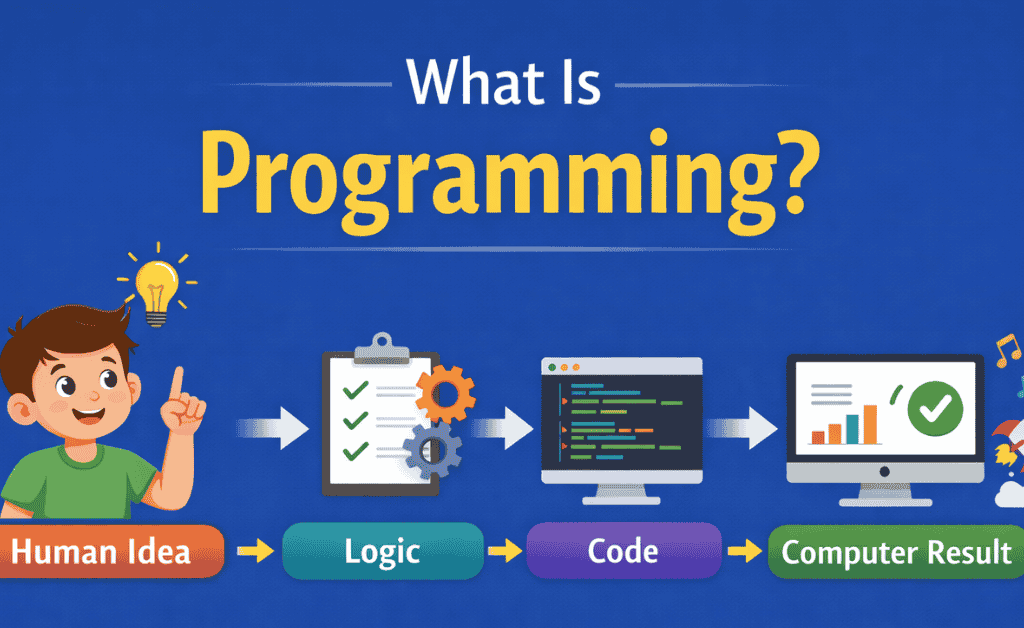
- What Is Programming? Simple Explanation for Students | Programming for Beginners
You may also explore our online tools:
- Try our Text Cleaner & Fixer Tool for formatting your code comments
- Use our AI Content Humanizer Tool when writing descriptions for your projects
For students wanting faster growth with Techfreshguru:
- Check our WordPress Mastery with AI Course
- Join Artificial Intelligence & ChatGPT Skills Course
These internal resources will help you expand your learning after mastering How to Start Coding. Common Mistakes Beginners Make (and How to Avoid Them)
When learning How to Start Coding, avoid these mistakes:
- Trying to learn multiple languages at once
- Stick to one language for the first three months.
- Copying code without understanding
- Always try to rewrite it in your own style.
- Avoiding projects
- Projects help you learn 10x faster.
- Fear of errors
- Errors are teachers—learn from them.
- Inconsistent practice
Consistency is more important than speed. How Much Time Does It Take to Learn Coding?
If you follow a planned roadmap:
- 1–2 months → Basics
- 3–4 months → Small projects
- 6 months → Beginner-level job readiness
Your speed depends on:
- Practice consistence
- Interest level
- Use of online resources
- Focus on projects
- Willingness to solve problems
Tips to Learn Coding Faster (Beginner Friendly)
Here are some expert tips for learning How to Start Coding effectively:
- Learn small topics daily
- Short learning is stronger than long sessions.
- Practice instead of memorizing
- Coding is a skill, not a theory subject.
- Build mini apps continuously
- Every new project grows your knowledge.
- Watch both tutorials and documentation
- Both are important for mastery.
- Join communities
Ask for help and share your progress.
How to Start Coding Step-by-Step Summary
To summarize your entire journey:
- Learn the basics
- Choose one language
- Set up your tools
- Practice daily
- Build small projects
- Learn debugging
- Use online platforms
- Create GitHub profile
- Choose a career path
- Keep improving
If you follow these steps, you will completely understand How to Start Coding and move toward becoming a confident programmer.

Conclusion
Learning How to Start Coding is an investment in your future. With the right roadmap, the right tools, and consistent practice, anyone can become a programmer. Whether your goal is freelancing, job hunting, app development, AI, or web development—coding opens countless opportunities.
Start today. Stay consistent. Build projects. Improve daily.
Your coding journey begins now.
Boost Your Tech Career with TechFreshGuru
While our Free Online Tools help you with daily translation needs, the future belongs to those who build the technology behind these tools. If you are inspired by the power of Free Online Tools like our Roman Urdu to English translator, it’s time to learn how to create them yourself.
Visit TechFreshGuru: Trending Courses 2026 to enroll in professional training:
- Artificial Intelligence & ChatGPT Skills
- Python Programming
- Web Development
- Digital Marketing & SEO
- WordPress Mastery Course
Take the first step toward a successful tech career today at TechFreshGuru!
Aspirian.pk Free Online Tools
🔹 Free Online Tools on Aspirian.pk
- Percentage Calculator: Calculate your exam percentages instantly.
- CGPA Converter: Convert percentages to CGPA automatically.
- Roman Urdu to Englsih Converter: A simple translator for basic sentences.
All these tools are built using programming logic, making them perfect real-world examples for beginners.