01
Published
25 Useful MS Word Hidden Tricks & Shortcuts
Discover useful Microsoft Word shortcuts, hidden features and time-saving tricks every beginner should know.
Read Part 1 →
Learn Microsoft Word from basic shortcuts and formatting to advanced tables, Find & Replace, Unicode, Urdu, professional and power-user techniques.
A practical, student-friendly Microsoft Word learning series designed for students, teachers, office professionals, researchers and beginners.
This series takes you from everyday Word shortcuts to advanced productivity techniques that can save time and improve your documents.
Useful keyboard shortcuts and hidden productivity features.
Create cleaner, professional and well-designed documents.
Work with tables, calculations, marksheets and structured data.
Quickly search, replace and clean large Word documents.
Discover powerful features for faster professional work.
Use symbols, Unicode codes and special characters efficiently.
Improve everyday Microsoft Word and office productivity.
Useful techniques for bilingual documents and Urdu typing.
Move beyond basic Word features and work like a pro.
The Aspirian MS Word Tricks Series is being developed step by step. Start from Part 1 and continue through advanced power-user techniques.
Explore every part of our Microsoft Word learning roadmap. Start with the beginner-friendly lessons and gradually move toward advanced and professional techniques.
Discover useful Microsoft Word shortcuts, hidden features and time-saving tricks every beginner should know.
Read Part 1 →
Learn practical formatting and document design techniques to create clean and professional Word documents.
Read Part 2 →
Practical Microsoft Word techniques for assignments, lesson plans, question papers, notes and educational documents.
Read Part 3 →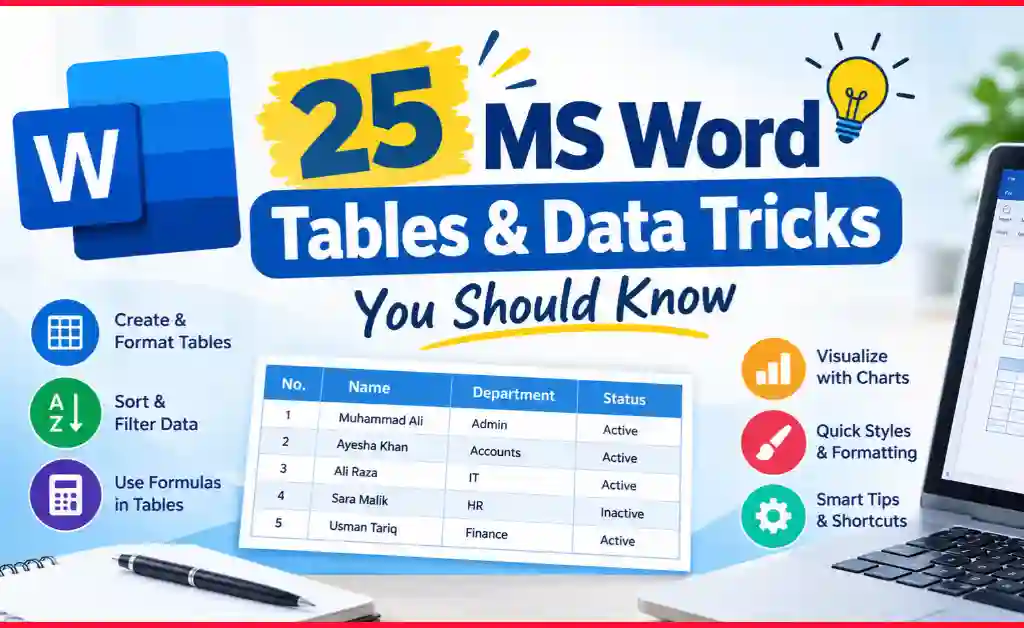
Learn how to create, format, sort, calculate and organize tables and data in Microsoft Word.
Read Part 4 →
Master powerful Find and Replace techniques for editing, cleaning and managing Word documents faster.
Coming SoonGo beyond everyday Word features and discover advanced tools for efficient document creation.
Coming SoonLearn useful Unicode codes, symbols and special character techniques for Microsoft Word.
Coming SoonImprove workplace productivity with practical Microsoft Word techniques for professional documents.
Coming SoonExplore useful Word features for Urdu, English, bilingual documents and everyday typing tasks.
Coming SoonMaster advanced productivity techniques and become a confident Microsoft Word power user.
Coming SoonChoose the learning path that best matches your current Microsoft Word experience.
Create assignments, reports, notes, projects and professional-looking documents.
Prepare lesson plans, worksheets, question papers, certificates and educational documents.
Work faster with reports, letters, tables and professional documents.
Manage long documents, references, tables and structured academic content.
Start from simple Word tricks and gradually develop advanced skills.
Aspirian.pk focuses on practical digital skills that students, teachers and everyday computer users can apply immediately.
Instead of learning complicated features without context, this series shows useful Word techniques through practical examples and real-world use cases.
Explore the Series →Learn techniques you can actually use.
Simple explanations without unnecessary complexity.
Useful features for educational documents.
Start from basics and progress naturally.
Discover Word features many users overlook.
Access the series directly on Aspirian.pk.
Here are some useful Microsoft Word shortcuts and techniques worth learning as you progress through the series.
Quickly search and replace text throughout a document.
Convert Unicode codes into symbols directly in Word.
Quickly check spelling and grammar in your document.
Instantly center-align selected text or paragraphs.
Quickly increase the font size of selected text.
Quickly decrease the font size of selected text.
A practical collection of useful Microsoft Word shortcuts, formatting tips, table tricks, Unicode shortcuts and productivity techniques.
After improving your Microsoft Word skills, start learning Python step by step with our beginner-friendly programming tutorials.
Explore Python Tutorials →The MS Word Tricks Series is a practical learning collection on Aspirian.pk covering Microsoft Word shortcuts, formatting, tables, Find & Replace, advanced features, Unicode, Urdu, professional techniques and power-user skills.
Yes. The MS Word learning articles in this series are designed as free educational resources for students, teachers and other learners.
Students, teachers, office professionals, researchers, beginners and anyone who wants to improve their Microsoft Word skills can benefit from this series.
The current roadmap contains 10 parts, with each part focusing on a different area of Microsoft Word.
Beginners should start with Part 1 and then continue through Part 2. These parts establish the foundation before moving toward more specialized Word skills.
Absolutely. The series includes techniques for assignments, reports, notes, tables, question papers, projects, formatting and everyday academic documents.
The current roadmap contains Parts 1–10. Additional Microsoft Word resources can be added to the hub in the future as the Aspirian.pk learning library grows.
Master Microsoft Word one practical trick at a time and build skills that help you study, teach and work more efficiently.